Greetings! I'm Aneesh Sreedharan, CEO of 2Hats Logic Solutions. At 2Hats Logic Solutions, we are dedicated to providing technical expertise and resolving your concerns in the world of technology. Our blog page serves as a resource where we share insights and experiences, offering valuable perspectives on your queries.

If you think computer vision and AI-powered cameras are only for Amazon warehouses or large retail chains, think again. Today’s small businesses are using the same technology to count inventory, monitor customer queues, and automate tedious manual tasks, often for less than the cost of hiring a part-time employee.
Computer vision is teaching computers to “see” and understand images or video, much like humans do. For small businesses, this means transforming existing security cameras into smart tools that can detect when shelves need restocking, alert you to safety issues in real-time, or automatically count items without manual labor.
The best part? You don’t need a data science team or a six-figure budget to get started.
Pro Tip: Most small businesses already have 70-80% of the hardware they need; existing security cameras or smartphones can often be repurposed for computer vision applications, eliminating major upfront costs.
What Can Computer Vision Do for Your Business?
At its core, computer vision handles three main tasks that matter to small businesses:
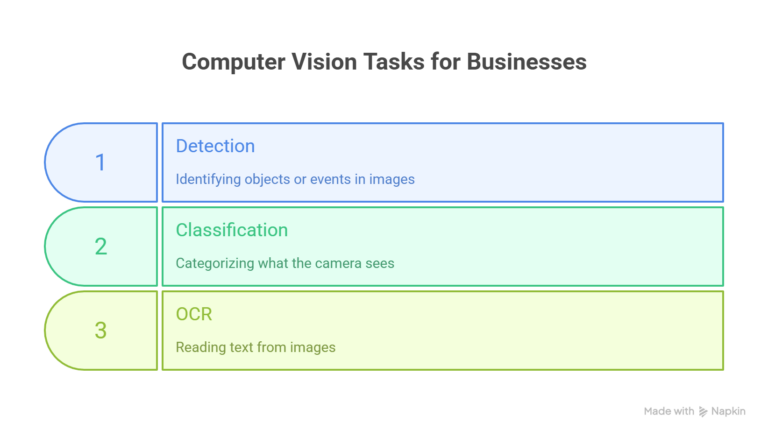
Detection: Identifying objects, people, or events in images or video (like spotting when a customer enters your store or detecting a package on a conveyor belt).
Classification: Categorizing what the camera sees (distinguishing between different product types, identifying defects versus good items, or recognizing specific actions).
Optical Character Recognition (OCR): Reading text from images (scanning receipts, extracting information from documents, or reading license plates).
The real business value comes from what these capabilities enable: reduced manual labor, fewer human errors, faster operations, and better customer experiences.
A café that uses cameras to monitor table occupancy can turn tables faster. A warehouse that automatically counts packages eliminates hours of manual counting each week.
High-Impact Use Cases by Industry

Retail and Shops
- Shelf stock monitoring: Cameras detect when products are running low and alert staff or automatically trigger reorders
- Queue length detection: Monitor checkout lines and open additional registers during busy periods
- Basic loss prevention: Get alerts for unusual loitering patterns or after-hours movement in restricted areas
Expected value: One small grocery store reduced stock-outs by 30% using simple shelf-monitoring cameras, directly increasing sales of high-demand items.
Restaurants and Cafés
- Kitchen safety compliance: Detect when staff aren’t wearing required protective equipment or when temperature-sensitive items are left out too long
- Table occupancy tracking: Know which tables are available without constant manual checks
- Drive-through optimization: Monitor queue lengths and service times to improve efficiency
Warehouses and Small Logistics Operations
- Automated package counting: Replace manual counting with camera-based systems that track items as they move
- Pallet detection and tracking: Monitor receiving areas and automatically log incoming shipments
- Basic quality control: Flag damaged boxes or obvious defects before items reach customers
Offices and Service Businesses
- Visitor counting and space utilization: Understand foot traffic patterns and optimize staffing
- Meeting room usage: Track which spaces are actually being used versus sitting empty
- Document processing: Automatically scan and extract data from invoices, forms, or receipts
Warning: Start with use cases where occasional errors won’t cause serious problems. Computer vision works best for tasks where 90-95% accuracy is useful (like monitoring stock levels) rather than mission-critical applications where 100% accuracy is required (like medical diagnostics or safety-critical systems).
Practical Paths to Get Started Without Breaking the Bank
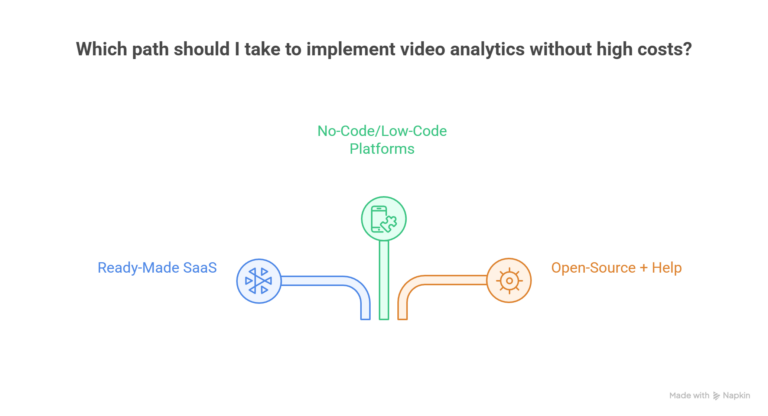
Path 1: Ready-Made SaaS Video Analytics
The fastest route is using plug-and-play software that works with your existing CCTV or IP cameras. These services analyze your video feeds in real-time and send alerts or generate reports.
Pros: Quick setup (often same-day), no technical expertise needed, vendor handles updates and maintenance
Cons: Monthly subscription costs ($50-300+ per camera), less customization, potential privacy concerns with cloud processing
Best for: Businesses that want to test computer vision quickly with minimal commitment
Path 2: No-Code/Low-Code Computer Vision Platforms
Tools like Lobe, Nanonets, and Google AutoML Vision let non-technical users train custom vision models by simply uploading example images. Many offer free tiers for small volumes.
Typical pricing: Free for testing, then $0.001-0.01 per image processed, or $50-200/month for document processing plans
Pros: High customization for your specific needs, often cheaper than SaaS at scale, and keeps data on-premises if needed
Cons: Requires some learning curve, needs to gather training images, may need occasional technical support
Best for: Businesses with unique needs that off-the-shelf tools don’t address, or those wanting to build a long-term capability
Pro Tip: Start with pre-trained models for common tasks (people counting, basic object detection) before investing time in custom training. Many platforms offer pre-built models that work immediately.
Path 3: Open-Source Plus Affordable Help
OpenCV and other open-source frameworks offer powerful computer vision capabilities at no software cost. Pair these with a freelance developer or small local agency for a few days of setup work.
Cost range: $1,000-5,000 for initial setup, then minimal ongoing costs if processing on-edge devices
Pros: Maximum control, lower long-term costs, no per-image fees, complete data privacy
Cons: Requires finding the right technical partner, longer setup time, and your team needs to maintain the system
Best for: Businesses planning to scale computer vision across multiple locations or use cases, or those with specific privacy requirements
What Really Drives the Cost (And How to Keep It Low)
Four factors determine your computer vision budget:
- Hardware: Cameras, edge computing devices, or servers ($100-2,000+ per location)
- Software: Licenses, SaaS subscriptions, or API calls ($0-500+ per month)
- Cloud computing: Processing costs if not using edge devices ($50-300+ per month)
- Implementation: Setup, training, and integration work ($500-10,000+ one-time)
Keep costs low by:
- Reusing existing security cameras (check if they’re IP-enabled and have adequate resolution)
- Starting with one focused use case rather than attempting multiple applications
- Processing video locally on edge devices to minimize cloud costs
- Using pre-trained models instead of building custom AI from scratch
- Running a short pilot before committing to annual contracts
Your Step-by-Step Roadmap for a Pilot Project
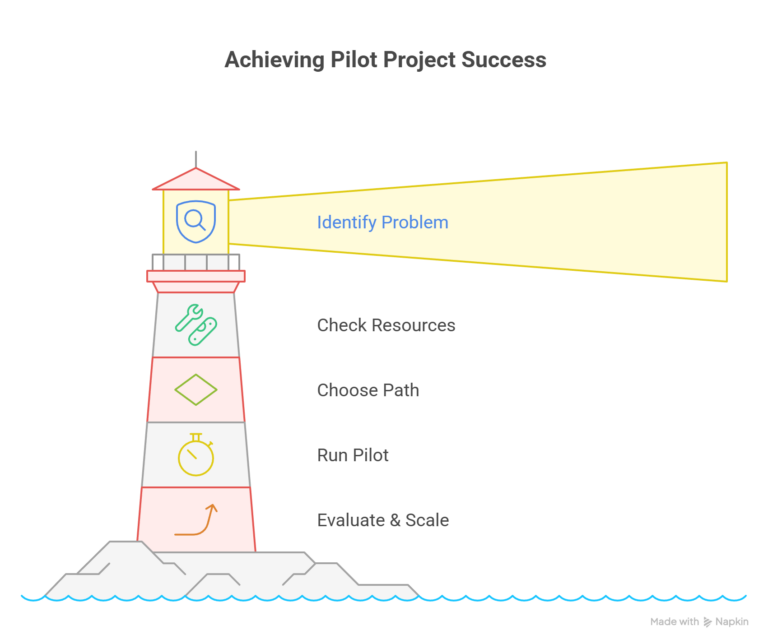
Step 1: Identify One High-Value Problem
Choose a business problem with a clear, measurable ROI. Ask yourself:
- What manual task takes the most employee time?
- Where do errors or delays cost us money?
- What problem, if solved, would save at least $500-1,000 per month?
Good first projects: inventory counting, queue monitoring, basic safety compliance, or document processing.
Step 2: Check Your Existing Resources
Survey what you already have:
- Do you have security cameras? Are they IP-enabled?
- What’s the camera resolution and viewing angles?
- Do you have image data or documents that need processing?
- Is there reliable WiFi or Ethernet in the relevant areas?
Step 3: Choose Your Path
Based on your budget, timeline, and technical comfort:
- Need results fast with minimal effort? → SaaS video analytics
- Have unique needs or want long-term control? → No-code platforms
- Planning to scale significantly? → Open-source with partner support
Step 4: Run a 4-6 Week Pilot (Weeks 3-8)
Set clear success metrics before starting:
- Time saved per week
- Error reduction percentage
- Revenue impact or cost savings
- Employee satisfaction improvement
Document everything and gather feedback from staff who’ll use the system daily.
Ready to Explore Computer Vision for Your Business?
Step 5: Evaluate and Scale
After the pilot, ask:
- Did we achieve our target ROI?
- Are employees actually using the system?
- What unexpected issues came up?
- Should we scale this use case or try a different one?
Only commit to long-term contracts or additional hardware after proving value with a pilot.
Tool Categories Worth Exploring
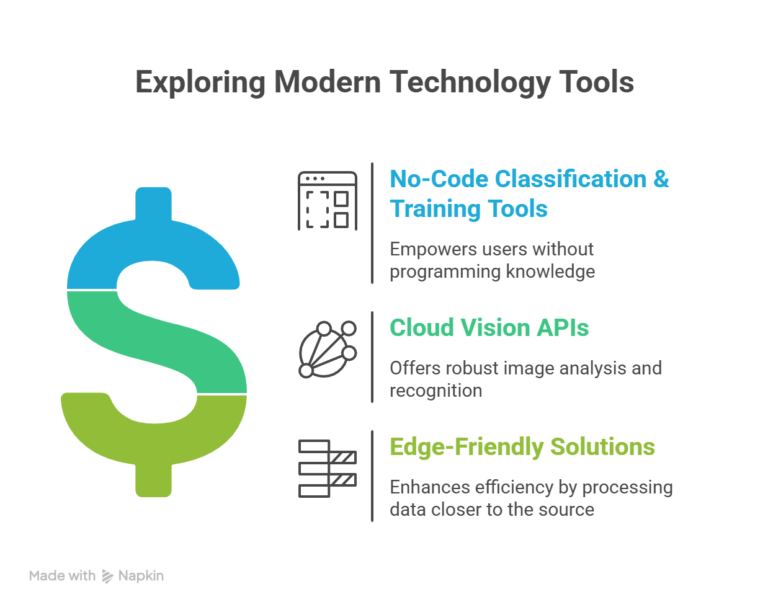
No-Code Classification & Training Tools: Platforms that let you upload example images and train models without coding. Ideal for product sorting, quality checks, or custom detection tasks specific to your business.
Cloud Vision APIs: Pay-per-use services from major tech companies offering pre-built capabilities like OCR, face detection, or object recognition. Good for document processing or standard detection tasks.
Edge-Friendly Solutions: Software designed to run on inexpensive edge devices (like Raspberry Pi) to process video locally. Best when you want to avoid cloud costs or have privacy concerns.
When each makes sense: Use no-code tools for custom business-specific needs, cloud APIs for document processing or standard tasks with variable volume, and edge solutions when scaling to multiple locations or processing video 24/7.
Warning: Beware of tools that lock you into proprietary formats or make it difficult to export your data. Always test the cancellation and data export process during your pilot.
Risks, Limitations, and Privacy You Need to Know About
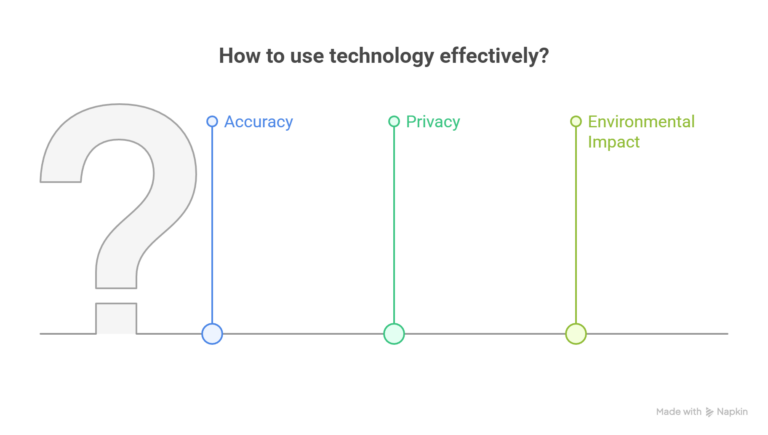
Accuracy Isn’t Perfect
Basic computer vision models typically achieve 85-95% accuracy. This is excellent for advisory tasks (suggesting which shelves to check) but insufficient for autonomous decisions (automatically rejecting products). Always maintain human oversight for critical decisions.
Privacy and Compliance Matters
If you’re recording people:
- Post clear signage about camera usage
- Check local laws about workplace surveillance and customer recording
- Store video securely and delete it according to a defined schedule
- Never use facial recognition without explicit consent and legal guidance
- Consider edge processing to keep data on-premises
Pro Tip: Focus on detecting behaviors and objects rather than identifying individuals. “A person is in this area” gives you the business value you need without the privacy complications of “John Smith is in this area.”
Environmental Limitations
Computer vision struggles with:
- Poor lighting conditions
- Extreme angles or obstructions
- Reflective surfaces or glare
- Fast-moving objects in low resolution
- Unusual conditions it wasn’t trained for
Factor these into your use case selection and camera placement.
When to Work with a Partner Instead of DIY
Consider bringing in expert help if you have:
- Multiple camera locations requiring coordinated setup
- Safety-critical applications where errors could cause harm
- Complex environments (varying lighting, multiple overlapping detection zones)
- Integration needs with existing business systems
- No internal staff with time to manage the project
What to look for in a partner:
- Demonstrated experience with small business budgets
- Transparent, project-based pricing (avoid vague “it depends” estimates)
- Willingness to start with a small paid pilot
- Clear handoff plan so you’re not dependent on them forever
- References from similar-sized businesses in your industry
Need help finding the right computer vision partner for your business?
Conclusion
The small businesses succeeding with computer vision aren’t trying to build complex AI systems overnight. They’re starting with one camera, one clear problem, and one simple tool. They measure results carefully. Then they scale what works.
Your action plan:
- Pick one problem costing you time or money
- Check if you can reuse existing cameras
- Start with the simplest tool that could work (usually SaaS or no-code)
- Run a 4-6 week pilot with clear metrics
- Scale only after proving ROI
Computer vision isn’t magic, and it isn’t just for tech giants. It’s a practical tool that small businesses are using right now to work smarter, reduce costs, and serve customers better.
FAQ
How long does it take to see results?
With SaaS tools, you can have basic detection running within a day. No-code platforms typically require 1-2 weeks to train and test custom models. Full custom implementations take 4-8 weeks. Business impact usually becomes measurable within 30-60 days.
Can computer vision work offline, or does it need constant internet?
Edge computing solutions process everything locally without the internet, which is ideal for remote locations or privacy-sensitive applications. Cloud-based tools need a reliable internet connection. Many platforms offer hybrid options that work offline and sync when connected.
Is computer vision reliable enough for security or safety applications?
Computer vision is excellent for advisory alerts ("someone is in a restricted area after hours—please check"), but should not be the sole safety mechanism. Always maintain human oversight and traditional safety systems. Think of it as an extra set of eyes, not a replacement for critical safety equipment.
Table of contents
- What Can Computer Vision Do for Your Business?
- High-Impact Use Cases by Industry
- Practical Paths to Get Started Without Breaking the Bank
- What Really Drives the Cost (And How to Keep It Low)
- Your Step-by-Step Roadmap for a Pilot Project
- Tool Categories Worth Exploring
- When to Work with a Partner Instead of DIY
- Conclusion


Related Articles