Greetings! I'm Aneesh Sreedharan, CEO of 2Hats Logic Solutions. At 2Hats Logic Solutions, we are dedicated to providing technical expertise and resolving your concerns in the world of technology. Our blog page serves as a resource where we share insights and experiences, offering valuable perspectives on your queries.

If you are working in retail or e-commerce, you might know the importance of dealing with sensitive data every day. Customer details, order information, invoices, supplier documents, and much more. As businesses grow, handling these documents manually becomes slower, riskier, and harder to control.
Intelligent document processing is the best way to improve efficiency for retailers to automate document handling. IDP helps to extract and process data from emails, PDFs, scanned invoices, and other documents without manual effort. But while automation solves speed and accuracy issues, it also raises an important question:
How do you keep sensitive retail data secure while automating document workflows?
Data security is not just a compliance requirement. A single data leak or processing error can impact customer trust, business operations, and brand reputation. That’s why security must be a core part of any document automation strategy, not an afterthought.
In this blog, we’ll explore how Intelligent Document Processing can be used safely and responsibly in retail and ecommerce environments and what businesses should consider to protect sensitive data while scaling their operations.
Retail data protection requires more than basic automation.
What Is Intelligent Document Processing?
Intelligent Document Processing (IDP) is a technology that automatically reads, extracts, and processes data from business documents. This is done from invoices, purchase orders, delivery notes, and email attachments.
When it comes to retail operations, they often arrive in different formats. Manually entering the data from PDFs, scanned images, spreadsheets, or emails is time-consuming and prone to errors.
IDP uses a combination of optical character recognition (OCR), machine learning, and predefined rules to understand these documents and convert them into structured, usable data. This data can then be securely validated and sent to systems like ERP platforms for further processing.
More importantly, modern IDP solutions are designed with security in mind. They control who can access documents, track data movement, and ensure sensitive information is handled safely throughout the automation workflow.
What Counts as Sensitive Retail Data?
Before we move on to automation, let’s understand what counts as sensitive retail data. Retail and ecommerce businesses handle more than just product information. Many everyday documents contain data that must be protected to avoid misuse, compliance issues, or loss of customer trust.
Sensitive retail data commonly includes:
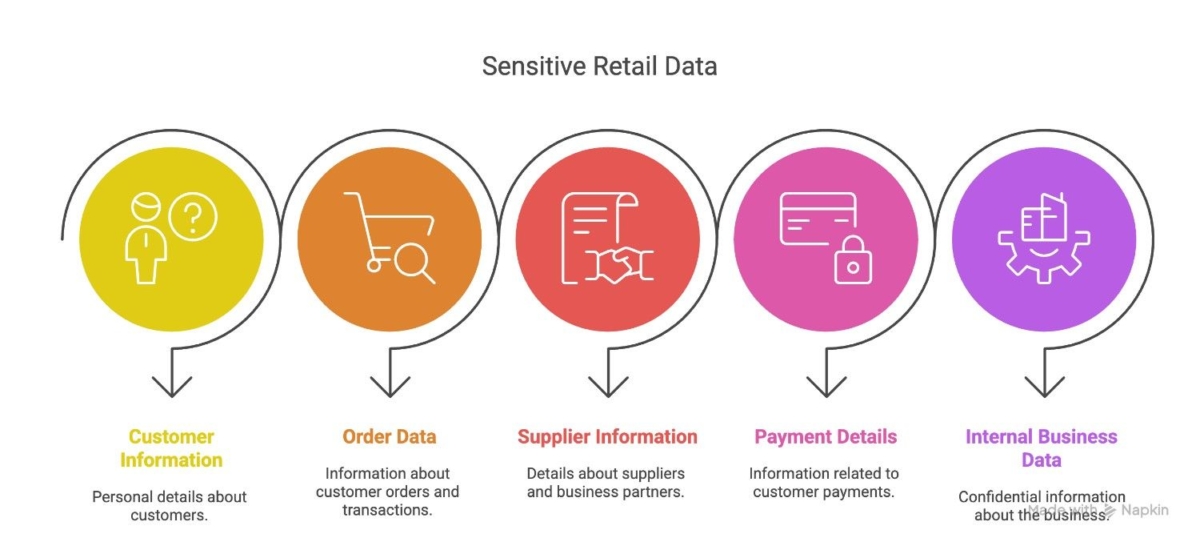
- Customer information
Names, addresses, phone numbers, email IDs, and delivery details are shared through orders, returns, and support requests. - Order and transaction data
Order numbers, product details, quantities, pricing, discounts, and tax information are found in invoices and order confirmations. - Supplier and partner information
Vendor contracts, pricing agreements, purchase orders, and delivery schedules. - Payment-related details
Bank references, payment terms, and transaction identifiers. Even when full payment data is not stored, partial details still require protection. - Internal business data
Sales reports, inventory documents, and operational files that, if exposed, could impact business decisions or competitiveness.
Common Security Risks in Document Automation
Automating document processing improves speed and efficiency, but without the right controls, it can also introduce new security risks. Many of these risks don’t come from the technology itself, but from how automation is implemented.
Some common security challenges retailers and ecommerce businesses face include:
- Data exposure through emails and attachments
Documents often arrive via email as PDFs or spreadsheets. If these files are accessed by multiple people or stored insecurely, sensitive information can be easily exposed. - Unauthorized access to documents
Without role-based access, employees may view or edit data they don’t need for their role, increasing the chance of misuse or accidental leaks. - Incorrect or unvalidated data processing
Automation without proper checks can pass incorrect data forward, leading to wrong orders, billing issues, or operational errors that are hard to trace later. - Lack of visibility and audit trails
When document processing happens without logging or tracking, it becomes difficult to identify who accessed the data, when it was processed, or where errors occurred. - Compliance and data retention issues
Regulations like GDPR require businesses to control how data is stored, processed, and retained. Poorly designed automation workflows can make compliance harder instead of easier.
What Types of Sensitive Retail Data Does IDP Handle?
Retail document workflows contain more sensitive information than most businesses realize. When Intelligent Document Processing is used, it often handles data that directly impacts customers, finances, and operations.
Some of the most common types of sensitive retail data processed through IDP include:
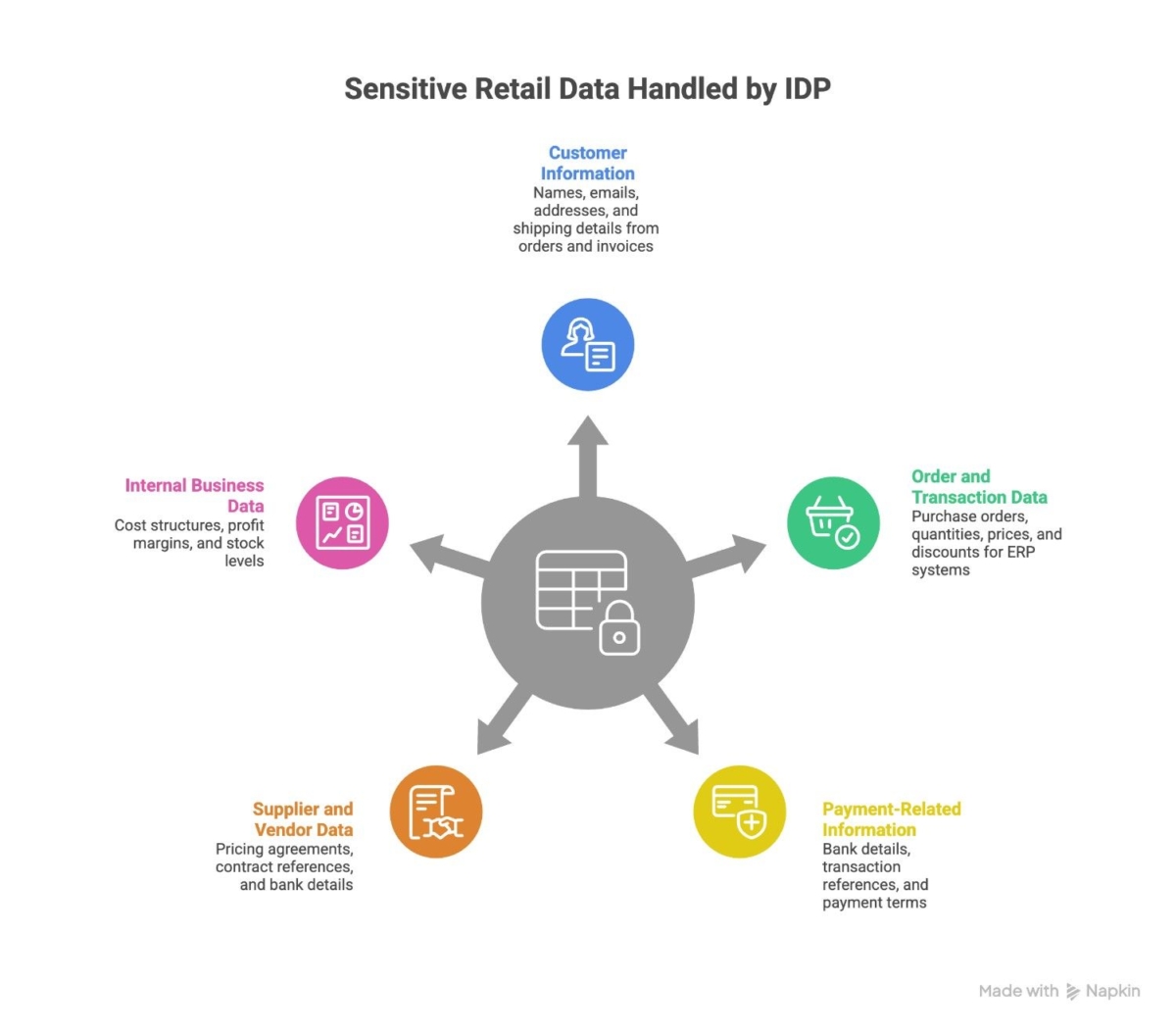
Customer information
This includes names, email addresses, phone numbers, billing addresses, and shipping details found in orders, invoices, and delivery documents.
Order and transaction data
Purchase orders, order quantities, prices, discounts, and tax details are frequently extracted from documents and passed into ERP or order management systems.
Payment-related information
While full payment details may not always be processed, documents can still contain bank details, transaction references, or invoice payment terms that require protection.
Supplier and vendor data
Retailers also manage sensitive supplier information such as pricing agreements, contract references, and bank details through invoices and purchase documents.
Internal business data
Documents may include cost structures, profit margins, stock levels, and internal references that should not be exposed outside authorized systems or teams.
Common Data Security Risks in Retail Document Automation
While document automation improves speed and efficiency, it can introduce security risks if not implemented carefully. Retailers often assume automation itself is secure, but gaps in processes or tools can expose sensitive data.
Some common data security risks in retail document automation include:
Unauthorized access to documents
Without proper access controls, sensitive documents can be viewed or edited by users who shouldn’t have access to customer or financial data.
Data leakage during document transfer
Documents and extracted data often move between email systems, IDP platforms, and ERP systems. If these transfers are not secured, data can be intercepted or exposed.
Human errors during validation
Even in automated workflows, manual review steps may exist. Incorrect handling or sharing of documents during validation can lead to accidental data exposure.
Lack of audit trails and visibility
When there is no clear tracking of who accessed or modified data, it becomes difficult to detect security incidents or meet compliance requirements.
Compliance risks
Retailers handling customer data must comply with regulations such as GDPR. Poorly secured document automation can result in compliance violations and penalties.
Understanding these risks helps retailers take the right steps to secure their Intelligent Document Processing workflows instead of relying on automation alone.
Automation should never compromise data protection.
How Intelligent Document Processing Helps Secure Retail Data
When implemented correctly, Intelligent Document Processing does more than automate documents; it helps reduce data exposure and improve control across retail workflows.
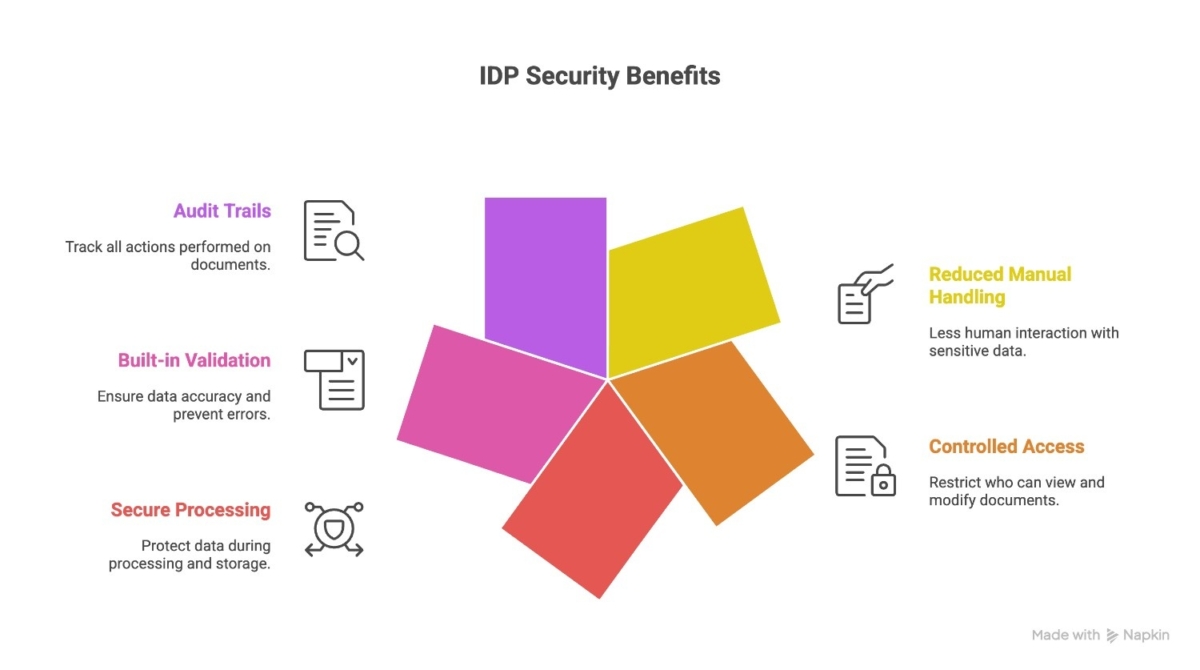
Here’s how IDP strengthens data security:
- Reduced manual handling of sensitive data
Manual data entry often requires multiple people to view and process the same document. IDP minimizes human involvement by automatically extracting and structuring data, lowering the risk of accidental leaks or misuse. - Controlled access to documents and data
IDP systems can be configured so that only authorized users can access specific documents or data fields. This ensures employees see only what they need to perform their tasks. - Secure data processing and storage
Documents and extracted data can be encrypted during processing and storage, protecting information from unauthorized access or interception. - Built-in validation and error checks
IDP applies predefined rules to verify data before it moves further in the workflow. This prevents incorrect or incomplete data from being processed, reducing downstream errors and security gaps. - Clear audit trails and traceability
Every action, including data extraction, validation, access, and updates, can be logged. This transparency helps businesses track activity, investigate issues, and meet compliance requirements.
Best Practices for Retailers Using IDP Securely
Implementing Intelligent Document Processing is not just about automation; it’s about designing workflows that protect data at every step. Here are practical best practices retailers and ecommerce businesses should follow:
- Define role-based access clearly
Ensure employees can only access the documents and data relevant to their responsibilities. Limiting access reduces unnecessary exposure. - Validate data before it moves forward
Set rules to check critical fields such as pricing, quantities, and customer details before the data enters downstream systems or triggers actions. - Encrypt data in transit and at rest
Sensitive documents should be protected whether they are being transferred or stored. Encryption adds an essential security layer. - Maintain detailed audit logs
Keep track of who accessed, modified, or processed documents. Audit trails improve accountability and simplify compliance reporting. - Review permissions and workflows regularly
As teams grow and processes change, access rights and automation rules should be reviewed to prevent outdated permissions from becoming security risks. - Establish clear data retention policies
Define how long documents should be stored and when they should be securely archived or deleted to stay compliant with regulations.
Security is not a one-time setup. It requires continuous monitoring and improvement as your business scales.
Example: Secure Email Order Processing with IDP
To understand how this works in practice, consider a common retail scenario: processing customer orders received via email.
- A customer sends an order as a PDF attachment.
- The IDP system automatically extracts customer details, product information, and quantities.
- Validation rules check for missing fields, unusual pricing, or incorrect formats.
- Only authorized users can review flagged exceptions.
- All actions are logged for transparency and traceability.
Conclusion
For retailers and ecommerce businesses, sensitive data flows through documents every single day, including customer orders, invoices, supplier agreements, and internal reports. As document volumes increase, manual handling becomes both inefficient and risky.
Our approach to Intelligent Document Processing solutions focuses on both efficiency and data protection. But automation alone is not enough. Security must be built into the process through controlled access, encryption, validation rules, and clear audit trails.
When implemented thoughtfully, IDP does more than improve speed and accuracy. It reduces unnecessary data exposure, strengthens compliance efforts, and gives businesses better visibility over how sensitive information is handled.
Secure automation is no longer optional in retail. It is a necessary step toward scaling operations while protecting customer trust and business integrity.

Related Articles